Toddlers watching cartoons
Hand over the phone for a cartoon without a small finger pausing it, skipping ahead or opening something else. The picture keeps playing; touches are ignored.
Touch Blocker puts a see-through layer over the app you are using, so a video keeps playing while taps and swipes are ignored. Lock the full screen, or block only the zones you draw — for toddlers, films, ghost touches and cracked screens.
Open testing · limited slotsAndroid 7.0+ No Accessibility service Free, with ads
Use cases
Android lets any finger, palm or crack reach the app underneath. Touch Blocker decides what gets through.
Hand over the phone for a cartoon without a small finger pausing it, skipping ahead or opening something else. The picture keeps playing; touches are ignored.
Films in bed, a recipe on the counter, a map on a stand. Lock the screen so a stray thumb or a resting palm does not pause, seek or close anything.
When the screen taps by itself, the touch finder shows where the phantom touches land. Block that area while the rest of the phone keeps working.
Switch off a dead or jumpy strip of glass by drawing a zone over it. It blocks the touches; it does not repair the hardware, and a repair shop is still the real fix.
Block the borders where your palms rest so accidental edge touches do not hit in-game buttons. Save one zone set per game with Premium.
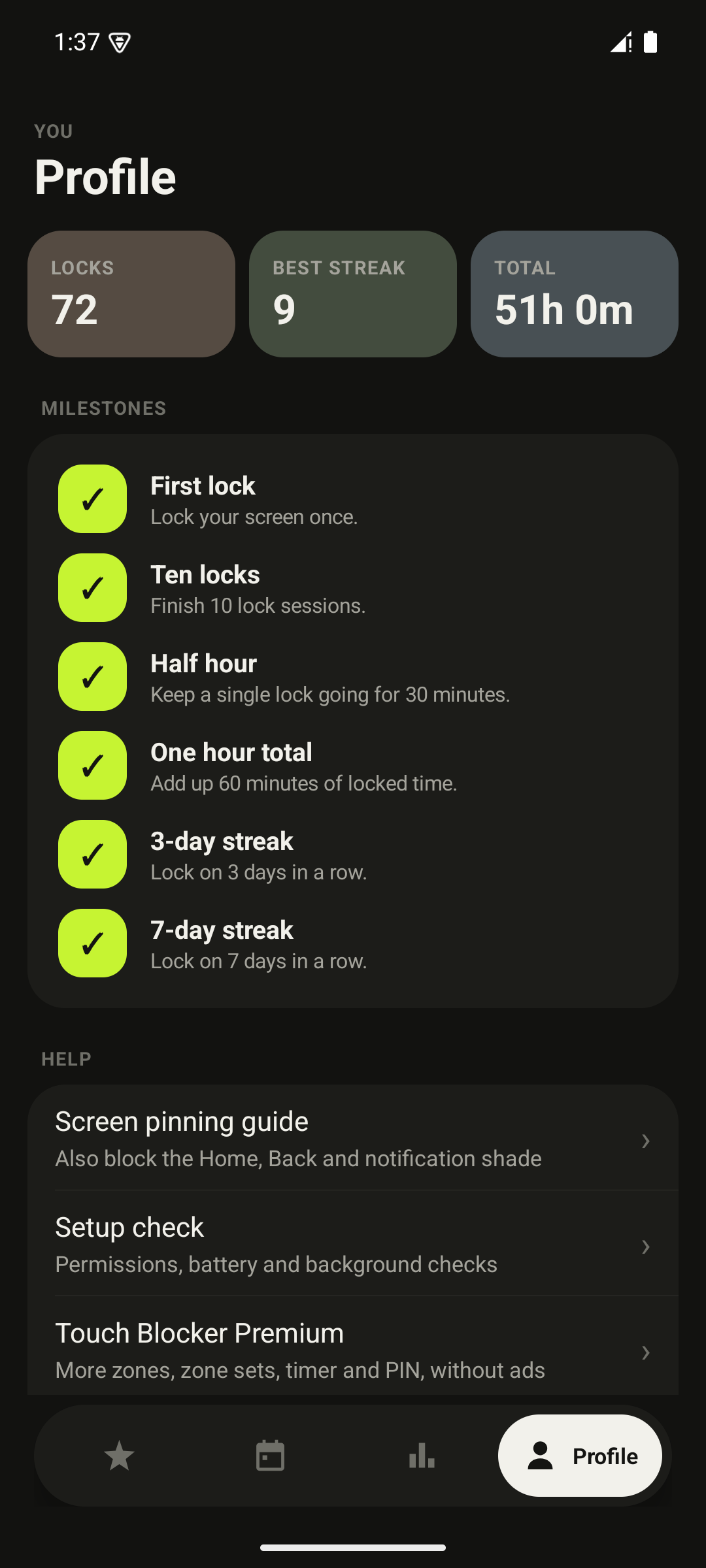
Watch your lock streak grow, see the time you locked this week and collect badges such as 1 hour of focus. Numbers stay on your phone.
How it works
This is the one permission the touch-blocking layer needs. The setup check also shows how to keep the lock running on phones that close background apps.
The lock starts a few seconds after you tap, so you can open your video or game first. Choose full screen, or only your zones.
Hold the small lock button for 2 seconds, or tap Unlock in the notification or the Quick Settings tile. A single tap never unlocks. Restarting the phone always removes the lock.
Features
One tap starts a see-through layer that ignores taps and swipes. A small lock button waits in the corner you choose.
Drag rectangles over the areas to block; everywhere else keeps working. 2 zones free, up to 12 with Premium.
Every touch leaves a dot, including touches you did not make, so you can see which area misbehaves before you draw a zone.
A Quick Settings tile and a notification with an Unlock button, so you can lock or unlock without opening the app.
Android keeps the status bar, gestures and some buttons above every app layer. A step-by-step guide shows how to pin the app for a fuller lock.
Unlock by itself after 5 to 120 minutes, or ask for a PIN after the 2-second hold. The PIN is stored only as a salted hash.
Save different layouts, for example one per game or one for a cracked corner, and switch between them in a tap.
One permission only: Display over other apps. Touch Blocker never reads your screen or what you type.
New in Touch Blocker
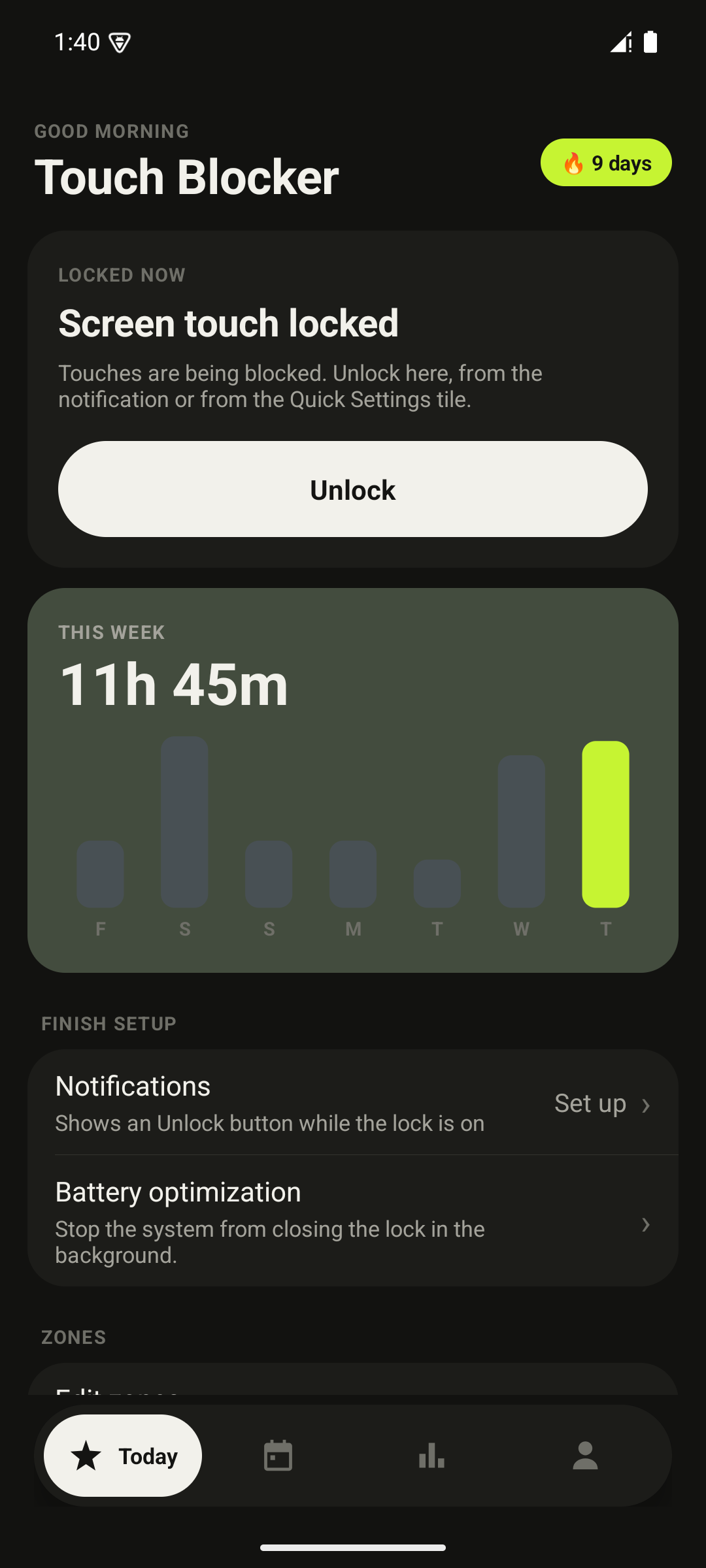
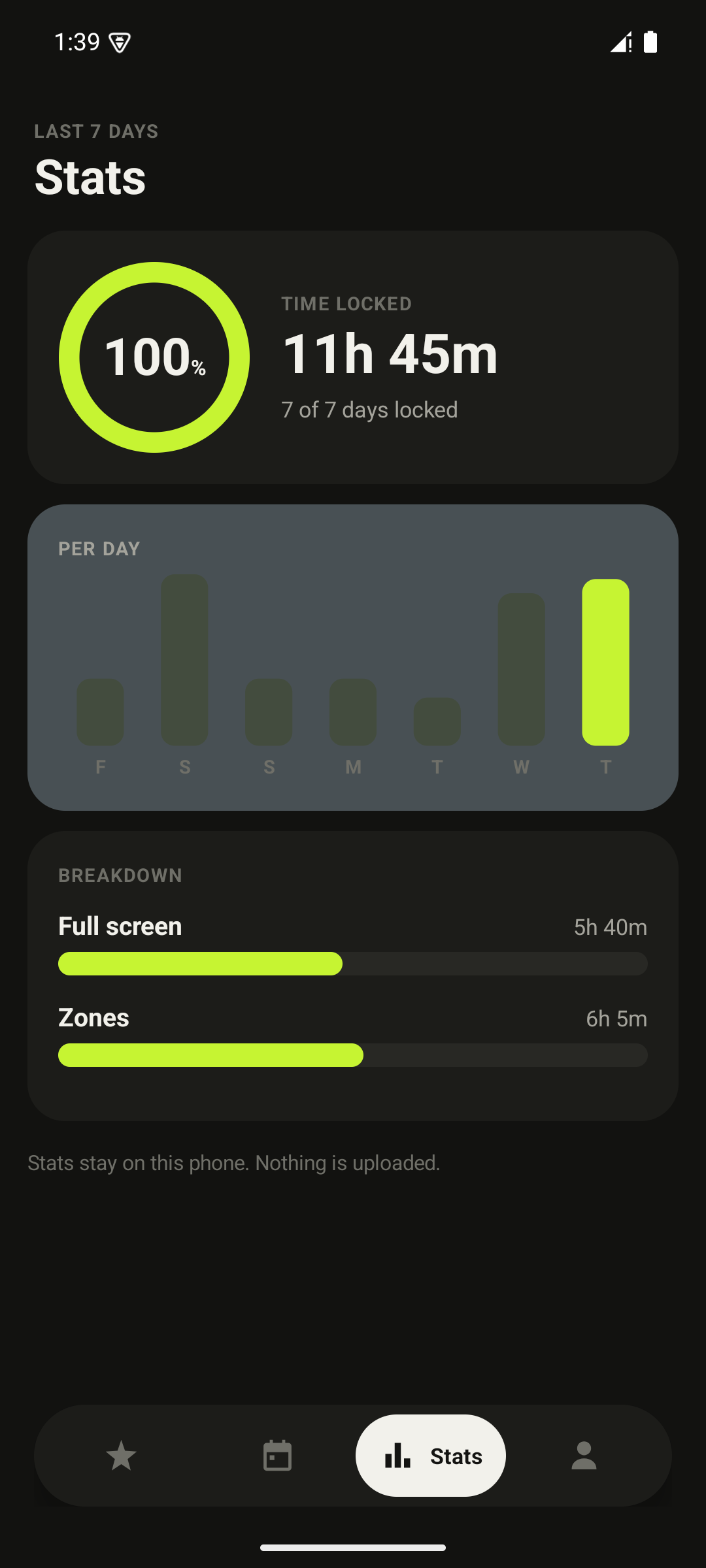
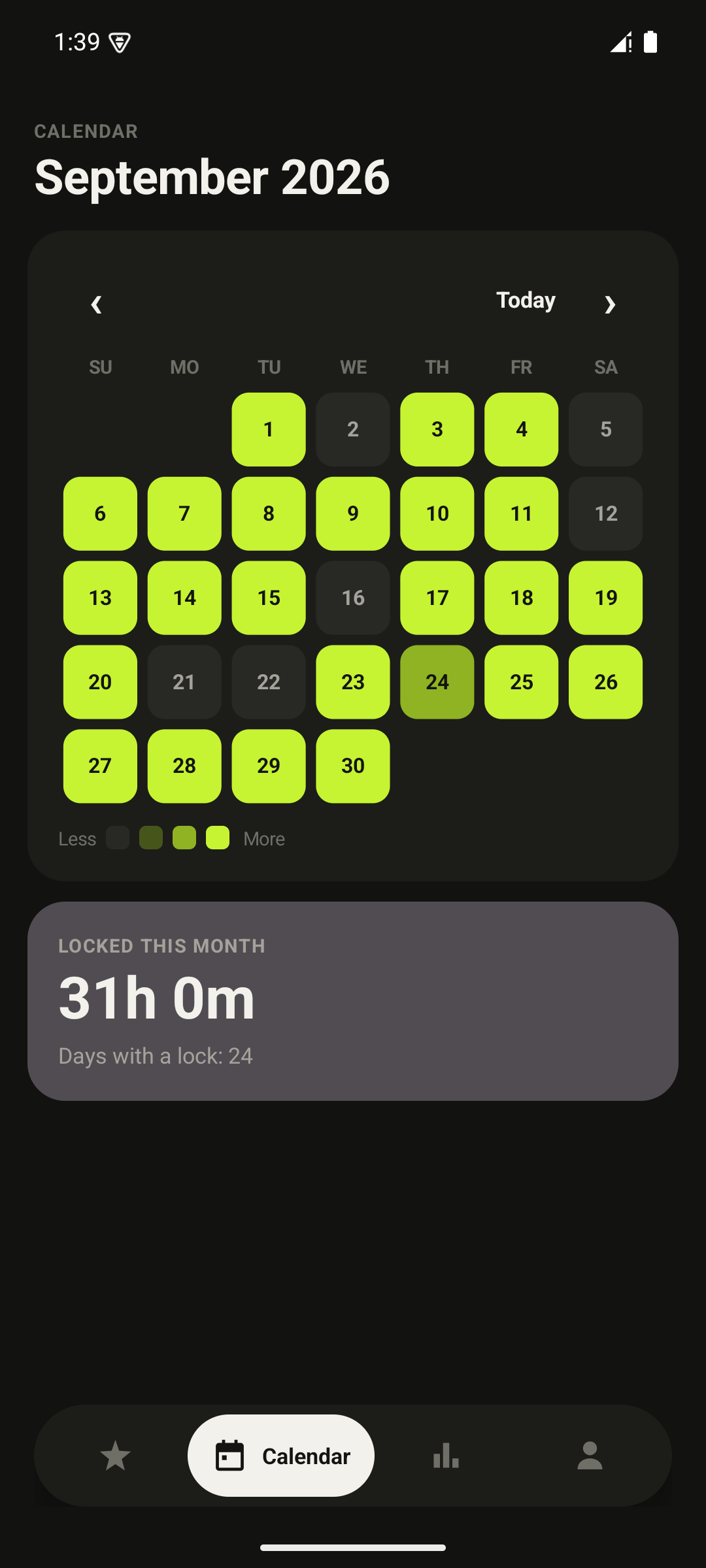
A fresh cream-and-lime look, light and dark mode, and three ways to see your habit. The numbers below are sample data.
Your lock streak, the time you locked this week and the split between full screen and zones.
A month at a glance. Days you used the lock light up, and the darker the lime, the longer you locked.
Small milestones such as your first lock, a 7-day streak or 1 hour of focus.
All numbers stay on your phone. Streaks, time locked, the calendar and badges are never sent anywhere.
Screenshots
Honest limits
Touch Blocker draws a see-through layer over other apps. That is powerful, but Android sets the rules for what sits above it.
Free vs Premium
The lock, the finder and your stats are free. Premium removes ads and lifts the limits.
| Feature | Free | Premium |
|---|---|---|
| Full screen lock | ✓ | ✓ |
| Touch finder | ✓ | ✓ |
| Tile, notification, pinning guide | ✓ | ✓ |
| Stats, calendar, badges | ✓ | ✓ |
| Block zones | 2 | Up to 12 |
| Zone sets | 1 | Several |
| Auto-unlock timer (5–120 min) | — | ✓ |
| PIN to unlock | — | ✓ |
| Ads | Yes | None |
Privacy
Touch Blocker only places a layer that ignores touches. It does not read the screen or what you type. Your stats, calendar and badges are stored on your phone, and your PIN only as a salted hash.
FAQ
Yes. The lock is a see-through layer over the app you are using, so the picture keeps playing while taps and swipes are ignored.
Hold the small lock button for 2 seconds, or tap Unlock in the notification or the Quick Settings tile. With Premium you can also require a PIN after the hold, or set an auto-unlock timer. Restarting the phone always removes the lock.
Possibly. On newer Android versions the status bar, gesture navigation and the power and volume buttons may still respond, because Android keeps them above every app layer. For a fuller lock, follow the built-in guide to Android screen pinning, then lock touch.
It cannot repair hardware. It blocks touches in the faulty area so the rest of the phone stays usable, and the touch finder helps you see where that area is. A repair shop is still the real fix.
No. It needs only Display over other apps, plus the notification permission on Android 13 and newer for the Unlock button.
No. Your lock streak, time locked, calendar and badges are kept on your phone. Uninstalling the app or clearing its data removes them.
Free, with ads: full screen lock, 2 zones, the touch finder, the Quick Settings tile, notification controls, the screen pinning guide, stats, calendar and badges. Premium (monthly, yearly or lifetime): up to 12 zones, several saved zone sets, an auto-unlock timer from 5 to 120 minutes, a PIN to end the full screen lock, and no ads.
It is in open testing on Google Play with limited slots, so the listing may not be open to everyone yet.
Free with ads. Premium removes ads and adds the timer, PIN and more zones.
Open testing · limited slots